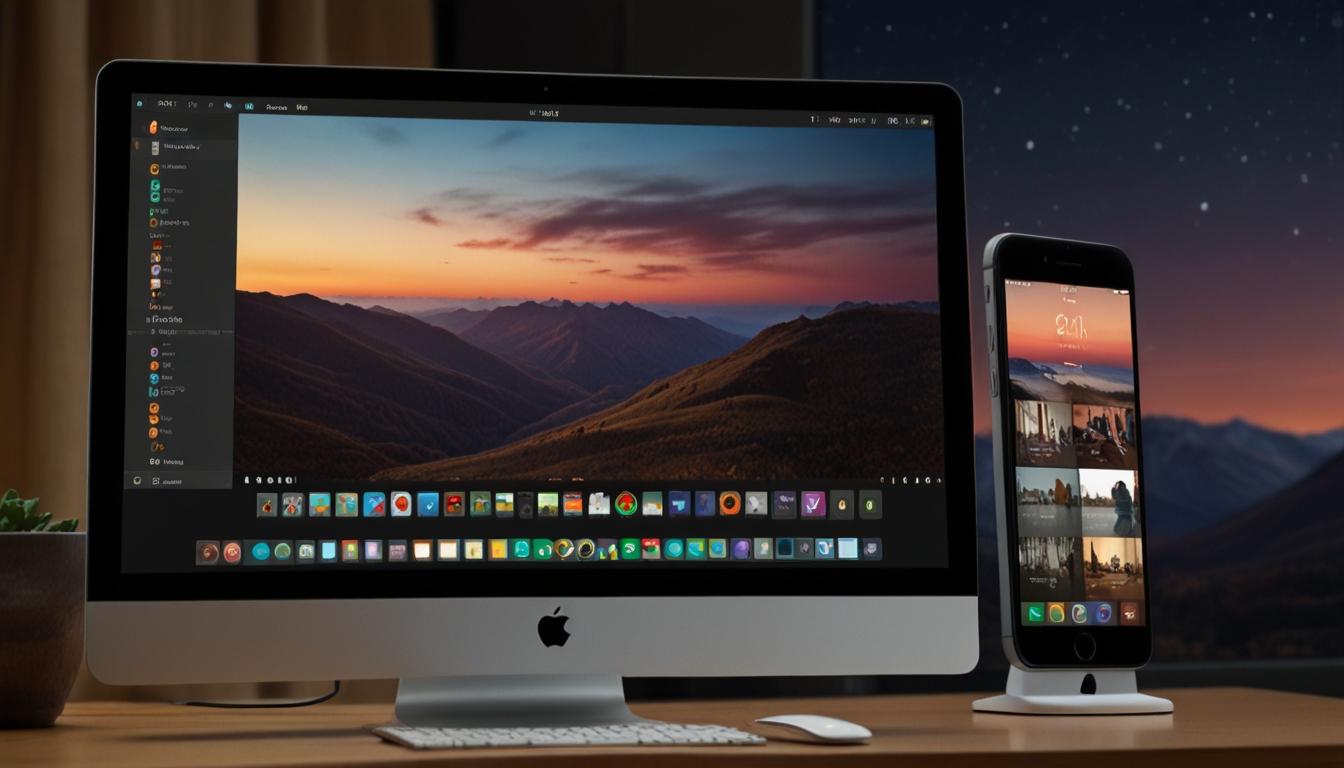
Apple Introduces iPhone Mirroring with iOS 18 and MacOS Sequoia
Apple's New Feature: iPhone Mirroring
CUPERTINO, CALIFORNIA – Apple has introduced a groundbreaking feature in its latest software updates: iPhone Mirroring. This innovation enables users to control their iPhone directly from their Mac, offering a seamless blend of hardware functionality and user convenience. This feature is integrated into iOS 18 for iPhones and MacOS Sequoia for Macs, allowing for a more cohesive ecosystem for Apple users.
Mirroring Your iPhone
The iPhone Mirroring feature, available on iPhones running iOS 18 and Macs operating on MacOS Sequoia, allows the iPhone's screen to be displayed on a Mac as though it were just another application window. This means that users can interact with their iPhones without having to physically handle the device, provided it is within Bluetooth range.
“Some apps just work better on the iPhone compared to their web counterparts. For tasks like banking or checking health records, this option provides a secure yet efficient method of access,” noted Jeff Carlson, Apple tech writer.
Supported Devices
iPhone Mirroring is supported on a selection of devices. For the iPhone, models including the iPhone 11 and later, iPhone XS, XS Max, XR, and the second-generation iPhone SE or later are compatible with iOS 18. On the Mac side, devices such as the 2019 iMac, 2020 MacBook Air, 2018 MacBook Pro, 2022 Mac Studio, and the iMac Pro 2017 are among the supported models.
Activating iPhone Mirroring
To initiate iPhone Mirroring, both the iPhone and the Mac need to be signed in to the same Apple Account. For Mac computers, this is done via System Settings > Apple Account. On the iPhone, it's Settings > Apple Account. The phone must also be locked, as this feature works only when the phone is not in use.
On the Mac, users can find and open the iPhone Mirroring app through Finder. Once launched, the app prompts the connection requiring the Mac login password or Touch ID. Initial setup requires entering the iPhone’s passcode and approving the connection on the phone. For those in trusted environments, the automatically authenticate option in settings can bypass the security prompt.
Navigational Capabilities
Users can navigate their iPhone using traditional input devices like a mouse or trackpad, mimicking the gestures and taps usually performed on the device's touchscreen. Keyboard shortcuts, such as Command-1 for the Home screen, Command-2 for the App Switcher, and Command-3 for Spotlight Search, further enhance usability. For text input, the physical keyboard offers a significant advantage over screen typing.
Limitations and Upcoming Features
While iPhone Mirroring is a versatile tool, it has its limitations. Apps relying on the phone’s accelerometer or physical orientation cannot be fully utilised. The device’s camera cannot be activated through mirroring, meaning it cannot serve as a remote security camera or for FaceTime Video calls. However, FaceTime Audio calls can be managed within the continuity framework.
Apple is set to expand the functionality later this year with a highly-anticipated drag-and-drop feature, facilitating the transfer of files between the iPhone and Mac directly. This addition is accessible in the developer betas for those eager to experiment with the function ahead of its official release.
Enhanced User Experience on MacOS Sequoia
Apple has also rolled out several enhancements to MacOS Sequoia, aimed at improving overall functionality and user experience. These include window tiling, which allows users to snap application windows to different sections of the screen, thus boosting multitasking efficiency. The Move & Resize option provides additional control over window management, catering to users seeking precise organisation of their workspace.
Other notable additions include dedicated password management through a new app, an improved Safari Reader Mode for streamlined web interactions, and advanced note-taking capabilities that offer quick transcription of audio notes.
Summary
iPhone Mirroring represents a significant step forward in Apple's commitment to integrating user experiences across devices. By extending the reach of the iPhone to the Mac environment, Apple is offering a tool that enhances productivity and convenience, matching the growing demands of its user base.
For more information on setting up and using iPhone Mirroring, Apple enthusiasts are encouraged to explore the latest features in iOS 18 and MacOS Sequoia, bringing a new depth of connectivity to their Apple devices.
Source: Noah Wire Services