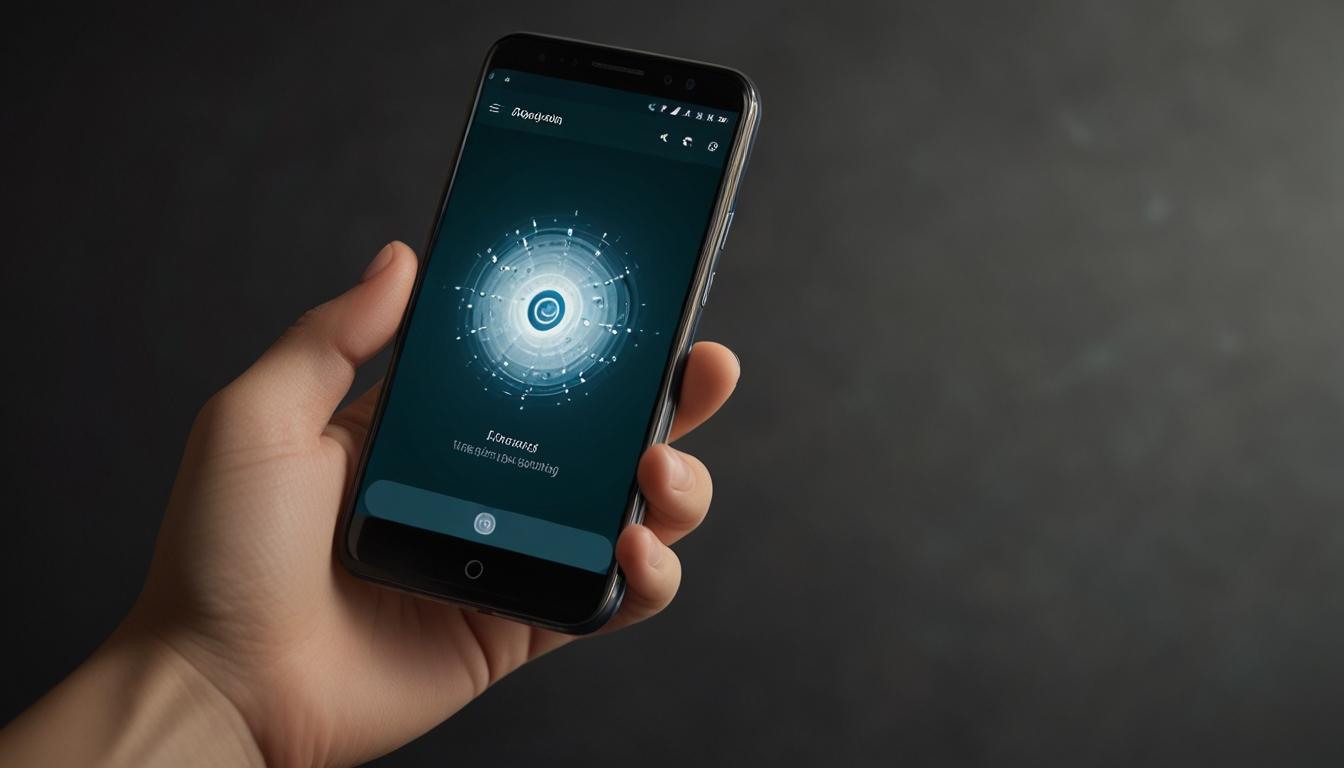
Google Unveils AI-Driven 'Circle to Search' Feature Exclusively for Android Devices
Mountain View, CA – May 7, 2023
Google has introduced a new AI-powered feature named 'Circle to Search,' designed to enhance the user experience by allowing individuals to search for any content directly from their screen. Available initially for select Android devices, particularly Samsung Galaxy and Google Pixel models, this innovative tool enables users to effortlessly identify and gain information about objects or text in images with a simple gesture.
What is 'Circle to Search'?
The feature empowers users to perform searches by circling, highlighting, or tapping on items visible on their device screens. Whether it's a handbag, shoes, or even a peculiar piece of architecture in a photo on Instagram, simply circling the object will trigger a Google search, providing information such as brand details and purchase options within seconds. This capability removes the need for direct queries to individuals about their possessions, making the entire process more intuitive and less intrusive.
Availability and Compatibility
Despite its promising functionality, 'Circle to Search' is currently restricted to Android devices, exclusively available on compatible Samsung Galaxy and Google Pixel models. This limitation has disappointed some users, particularly iPhone owners who do not have access to this direct search integration as part of their user experience.
Workaround for iPhone Users
In light of the feature's exclusivity, iPhone users are exploring alternative methods to achieve similar functionality. Google Lens, an already popular tool within the Google app, serves as the foundation for a functional yet less integrated workaround for iOS devices.
By leveraging the built-in 'Shortcuts' app on iPhones, users can create a shortcut that takes a screenshot of their display and then engages Google Lens' visual search capabilities. This process, while not as streamlined as the native 'Circle to Search' function on Android, offers a viable solution for iOS users desiring similar search capabilities.
Steps to Create the Shortcut on iPhone
For those iPhone users interested in setting up the alternative:
Download the Google App: Ensure the Google app is installed on your iPhone.
Create the Shortcut:
- Open the Shortcuts app.
- Tap the ‘+’ button to add a new shortcut.
- Select ‘Add Action’ and search for ‘Take Screenshot’.
- Again, search within actions for ‘Search Image with Lens’ and select it.
- Finalise the shortcut by naming it appropriately, for example, 'Search Image with Lens'.
Triggering the Shortcut:
- Action Button Method: Currently exclusive to the iPhone 15 Pro and 15 Pro Max, users can assign the shortcut to the Action button via Settings > Action Button > Choose a Shortcut.
- Back Tap Method: Available on older iPhone models, users can enable this through Settings > Accessibility > Touch > Back Tap, then select the shortcut to be triggered by either a double or triple tap on the back of the iPhone.
For users without these models, the shortcut can also be executed through Siri by instructing, "Run the Search Image with Lens shortcut."
User Experience and Feedback
The workaround, while effective, still lacks the seamless integration seen on Android devices with 'Circle to Search.' However, it stands as a testament to iOS users' creativity in utilising available tools to bridge functionality gaps. The use of backstage processes like screenshots and Google Lens might be perceived as a minor inconvenience compared to the direct interaction Android users enjoy.
Future Outlook
As technology rapidly evolves, the possibility remains that similar built-in features could be introduced across platforms, reducing the disparity in user experience between operating systems. For now, the current methods allow users to integrate powerful search capabilities into their daily use, regardless of their chosen device.
Additional Information
For more details on optimising iPhone performance and app management, resources are available discussing battery life enhancement and identifying battery-draining applications.
While 'Circle to Search' showcases Google's continuous push towards integrating AI into everyday technology, the broader adoption and possible expansion of such features remain a focal point for consumers and developers alike.
Source: Noah Wire Services