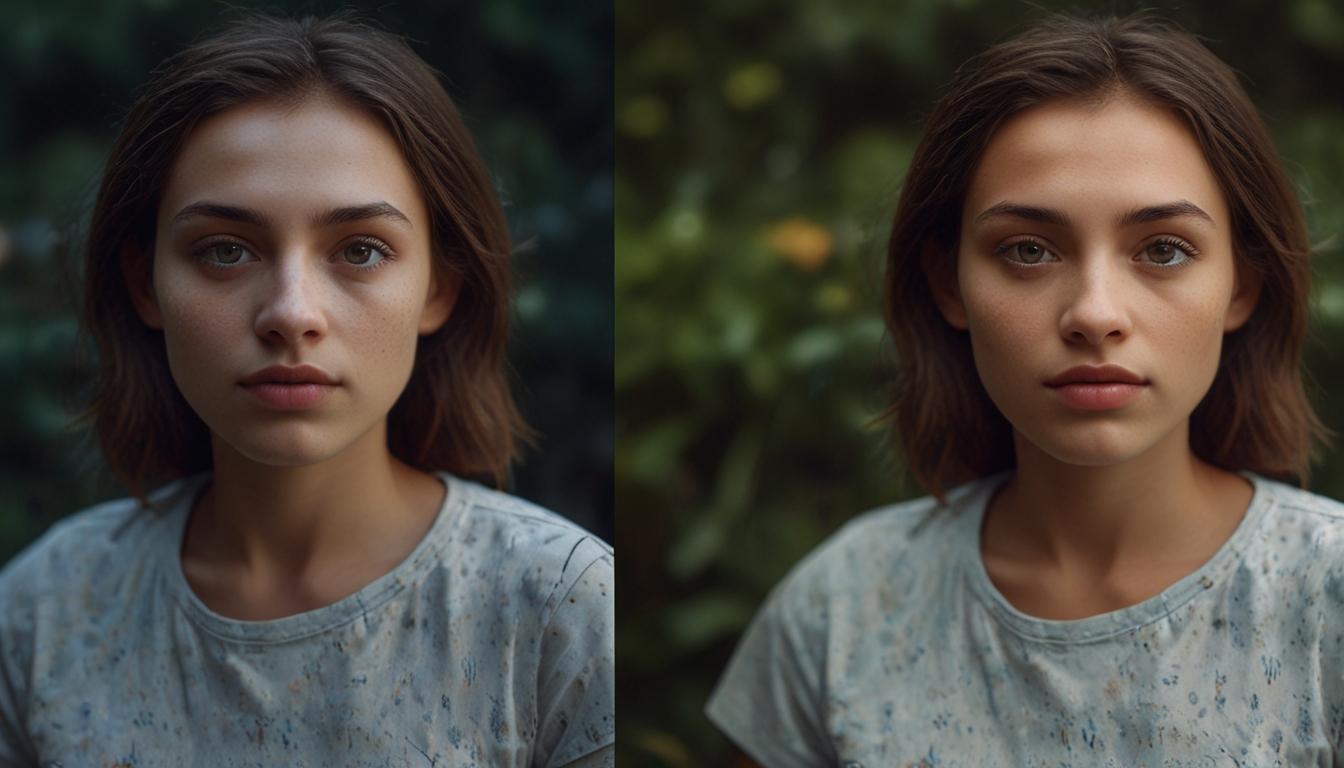
Upscale Pro: Revolutionising Digital Imagery with AI
In a world increasingly reliant on high-calibre digital imagery, the quality of visuals often hinges on clarity and resolution. Whether you are a professional photographer, graphic designer, or a casual user, encountering low-quality images can be frustrating. Enter Upscale Pro, a free AI-driven image upscaling tool set to transform how users enhance photos.
What is Upscale Pro?
Upscale Pro stands as an AI image upscaler that empowers users to enlarge and enhance images without compromising quality. Through the use of advanced machine learning algorithms, the platform predicts and fills in missing details in low-resolution images, allowing for upscaling by up to 600%. This ensures sharp, clear results that maintain the original aspect ratio and avoid distortions or pixelation.
How Does It Work?
At its core, Upscale Pro leverages artificial intelligence to upscale images while preserving their original integrity. Upon uploading an image, the AI meticulously analyses its structure, identifying key patterns, edges, and colours. This real-time analysis enables the AI to fill in gaps and enhance resolution, producing quick results even for complex images. The service is compatible with various file types, including JPG, PNG, and TIFF, making it a versatile tool for diverse needs.
Key Features of Upscale Pro
1. Enlarge Images by 600% with AI Precision
Upscale Pro allows users to upscale images by up to 600%, an ideal feature for creating high-resolution prints or enhancing digital images. The AI-powered upscaling ensures that the oversized images remain detailed and free from blurriness or pixelation, a common issue with traditional resizing methods.
2. AI Image Enhancement for Sharper Visuals
The tool excels in enhancing photos, particularly beneficial for those working with compressed images or older photos. The AI sharpens low-quality images, making them appear more professional even when enlarged.
3. Denoiser for Grainy Images
Photographers frequently confront noise and grain, especially under low-light conditions. Upscale Pro addresses this with a denoising feature, filtering out noise while preserving crucial details, thus rescuing photos that might otherwise seem unsalvageable.
4. Restore Old Photos with AI
Another standout feature is the ability to restore old or damaged photos. By analysing faded or blurred areas, the AI brings obscured details back to life. This is invaluable for restoring family portraits or archival images.
5. Fix Night Scene Lighting
Capturing night-time images often results in lighting challenges. Upscale Pro’s AI adjusts exposure and balance for night shots, making them more vibrant and accurate. It corrects colour balance and contrast, enhancing the overall aesthetics of night scenes.
6. Upscale Anime and Cartoon Images
For anime fans and graphic artists, the tool includes a specialised feature to upscale cartoon and anime images. This ensures that smaller, pixelated images sourced online can be enhanced and sharpened for larger formats without losing any details.
7. Ultra Quality for Large Prints
Designed for professional users, Upscale Pro can produce ultra-sharp details in large-scale projects such as posters, banners, or billboards. With outputs reaching up to 32,000 x 32,000 pixels, it ensures crisp and clear prints regardless of size.
8. Batch Processing for Consistent Results
For those needing to upscale multiple images, the batch processing feature enables uploading and processing several images simultaneously, ensuring consistent quality across all outputs.
Who Should Use Upscale Pro?
Photographers
Photographers seeking high-resolution images for print will find Upscale Pro invaluable. The free, AI-driven upscaling ensures images are print-ready with minimal effort, while denoising and sharpening enhance images taken in suboptimal conditions.
Graphic Designers and Digital Artists
Graphic designers often struggle with low-quality assets. Upscale Pro can enlarge these assets by up to 600% for use in large projects without losing detail, particularly useful for billboard-sized images or ultra-high-resolution outputs.
E-commerce Business Owners
High-quality product images are essential for online businesses. Upscale Pro helps enhance these images for online catalogues and marketing materials, potentially increasing customer engagement and sales.
Social Media Managers
For social media managers, engaging visual content is key. Upscale Pro enables enhancement of images for posts, ensuring they look professional and polished, even when sourced from low-resolution images on the web.
How Upscale Pro Differs from Other Tools
While numerous AI image upscalers exist, Upscale Pro differentiates itself through its free access and comprehensive feature set. Unlike many tools that limit free usage or watermark final images, Upscale Pro offers a robust free plan with full AI-powered upscaling capabilities. Features like denoising, photo restoration, and night scene lighting correction provide added value beyond basic image enlargement.
Privacy and Security
In today’s digital age, data privacy is a significant concern. Upscale Pro reassures users by automatically deleting all uploaded images after processing, ensuring that personal images are not stored or misused.
Conclusion
Upscale Pro delivers a formidable solution for anyone needing to upscale images while maintaining or enhancing their quality. Its free access ensures a wide audience, from hobbyists to professionals, can benefit from its capabilities. With features spanning photo restoration, denoising, and lighting adjustments, Upscale Pro stands as a versatile tool for photographers, designers, business owners, and social media managers alike.
Source: Noah Wire Services