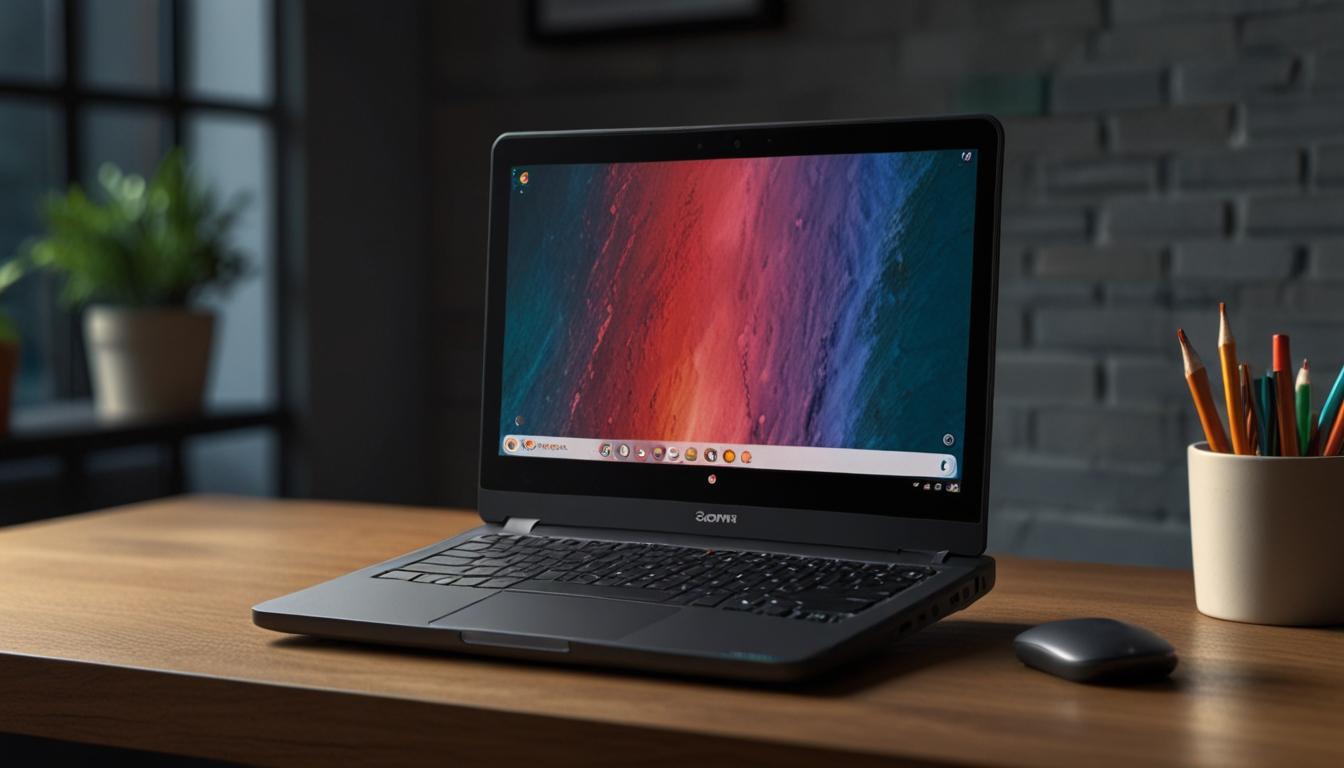
Google Unveils Advanced AI Features and New Hardware for Chromebooks
Google has recently announced an array of innovative features and new hardware additions for its Chromebook lineup, significantly enhancing the functionality and utility of these devices. The additional capabilities, particularly for the Chromebook Plus models, introduce cutting-edge AI technology aimed at improving the user experience.
Key Enhancements and Features
Among the new features, the introduction of Gemini stands out, accompanied by a three-month free subscription to the Google One AI Premium plan. These devices will also come with customizable Focus modes to manage notifications and a Welcome Recap feature to restore previous session apps and windows seamlessly.
Chromebook Plus: A Step Ahead
The Chromebook Plus models, however, receive exclusive AI-powered enhancements. One standout feature is Live Translation, which translates content on the screen in real-time across various media, including video, audio, and live videoconferencing. This feature supports over 100 languages and provides instantaneous captions, proving particularly useful during multilingual interactions.
The Help me read function is another notable addition. This OS-level AI-powered feature utilises Gemini to summarise text from PDFs, websites, and emails. Users can initiate this function by right-clicking the content, prompting a summary window. This tool can then be further engaged by asking for additional details or posing specific questions.
Additionally, the improved Recorder app integrates seamlessly with other AI functions, offering transcription, speaker labelling, and summarisation of recorded content. This feature is particularly useful for business calls or meetings involving multiple speakers.
Introduction of Quick Insert Key
Google also introduced the Quick Insert key, situated in the position traditionally occupied by the Caps Lock key. Currently available on the Samsung Galaxy Chromebook Plus, this key provides quick access to frequently used tools and actions within ChromeOS. By pressing this key, users can activate features like Help me write, access recently visited websites, manage files from Google Drive, or use tools such as the calculator or calendar apps. Although exclusive to the Samsung Galaxy Chromebook Plus at launch, the functionality can be accessed on other Chromebooks via the Launcher Key + F shortcut.
New Chromebook Models
Google has announced two new Chromebook models. The Lenovo Chromebook Duet 11" and the Samsung Galaxy Chromebook Plus, both set to be available in October.
The Lenovo Chromebook Duet 11" is an upgrade from the earlier Duet 3 model. It retains the same 10.9-inch screen and camera specifications but boasts double the RAM and a sleek, modern design. The device will be offered in 4GB and 8GB configurations, priced at $339 and $389, respectively.
The Samsung Galaxy Chromebook Plus distinguishes itself as the thinnest and lightest Chromebook Plus to date. It features an OLED screen, 8GB of RAM, 256GB of storage, and an Intel Core 3 100U processor. With up to 13 hours of battery life, this model combines premium design with enhanced functionality, catering to users seeking both aesthetics and performance.
Conclusion
Google's latest additions to its Chromebook lineup, through both hardware advancements and the integration of sophisticated AI features, mark a significant step forward. These innovations not only enhance the functionality and user experience of Chromebooks but also set new benchmarks for productivity tools within the industry, directly challenging the AI capabilities of major competitors such as Windows and MacOS products.
Source: Noah Wire Services