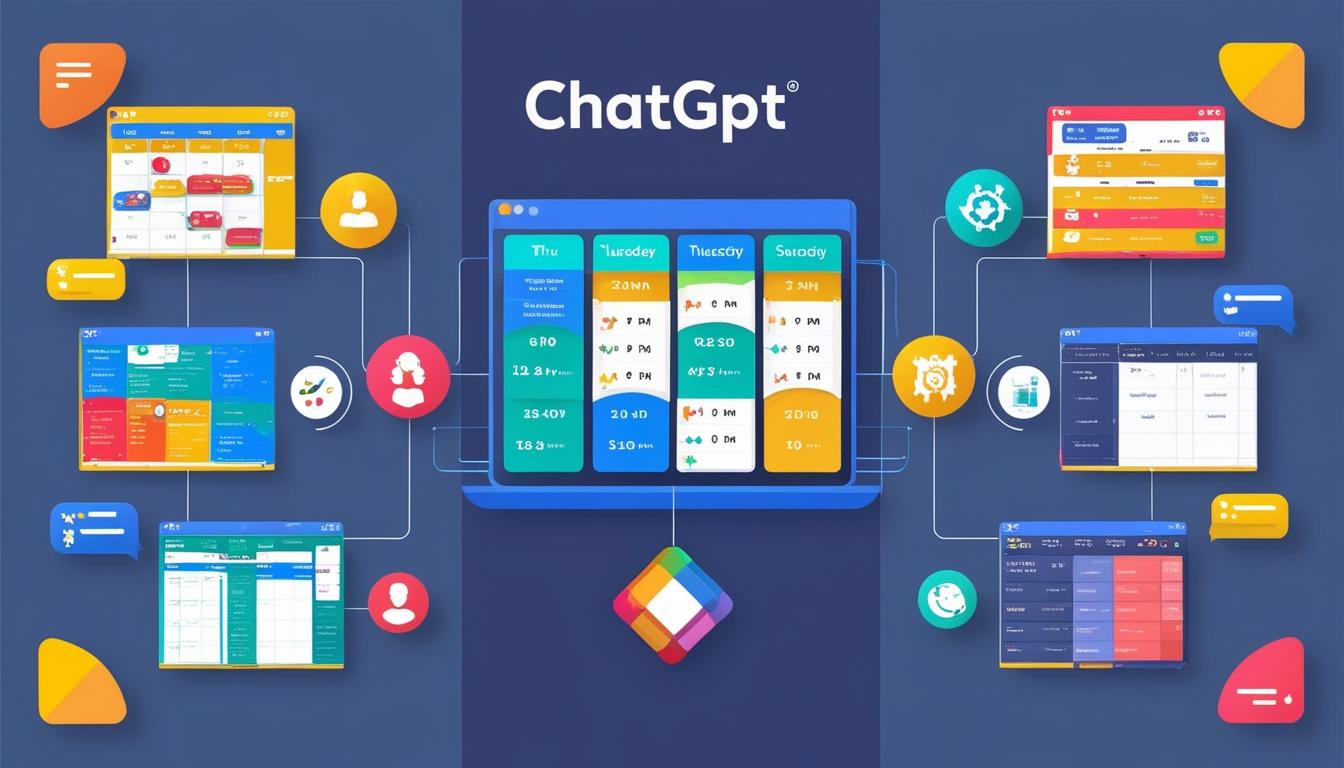
In October, OpenAI launched a significant enhancement to its AI chatbot, ChatGPT, with the introduction of Canvas mode. This new feature is designed to offer users a more flexible and interactive experience, allowing for both text creation and editing tasks with increased efficiency and creativity. The Canvas mode integrates AI's code-writing capabilities, promoting advanced planning and providing user-friendly visualisation tools and automation options.
The Canvas mode transforms ChatGPT into a more collaborative platform, functioning effectively as a personal assistant and creative partner. This enhancement is designed to cater to users seeking more dynamic and adaptable solutions in managing daily tasks and creative endeavours.
Applications of ChatGPT's Canvas Mode
Weekly Planning
One of the most practical applications of Canvas mode is in managing weekly schedules. Users can organise tasks and appointments more dynamically than before. Unlike traditional list-making, which requires manual updates, Canvas mode allows users to rearrange and edit plans seamlessly. By creating sections for each day or task category, users can visually prioritise tasks and update descriptions as needed. This tool facilitates effortless modifications, such as moving appointments across different days, and even includes automation of reminders through code blocks.
For users with extensive schedules, Canvas mode offers the ability to generate concise summaries of each day's tasks, highlighting urgent items and scheduling notifications for recurring tasks.
Event Planning
Canvas mode proves particularly useful in event management, offering a streamlined approach to coordinating schedules, managing guest lists, and organising activities. Users can input various data sources, and the AI arranges and refines these details into a coherent event outline. For example, in planning a birthday party, users can use the mode to categorise guest lists based on RSVP status.
One standout feature is its ability to handle automation, such as scripting for automatic emailing of invitations and tracking RSVPs. The system also updates guest lists in real-time and can edit scripts to send reminders to non-respondents, facilitating a more streamlined event planning process.
Tracking Personal Growth
For individuals focused on personal development, such as fitness or skill acquisition, Canvas mode offers practical tools for progress tracking. Users can outline workout routines, meal plans, and educational milestones, with the AI providing visual summaries and goal-tracking charts. It accommodates adjustments, allowing users to revise routines or study plans easily.
Furthermore, users interested in learning new skills, such as languages, can create comprehensive study schedules, utilise visual learning tools, and automate reminders for their study sessions. Canvas mode can also generate quizzes and practice sets, integrating them within the users' schedules.
Home Project Planning
Canvas mode also extends to home project management, such as room renovations. Through the interactive platform, users can visually organise project elements and perform calculations with embedded code. The AI assists by creating templates for each project phase, detailing aspects such as furniture options, paint colours, and budgeting.
The mode facilitates comparisons by allowing users to upload images of options, input dimensions and prices, and receive updated project details. When projects become complex, users can request the AI to summarise tasks and expenses into a simplified quick-reference section.
Overall, OpenAI's Canvas mode presents a versatile enhancement to ChatGPT, enabling users to manage various tasks with increased visual and automated assistance. With its broad range of applications, from personal to project planning, Canvas mode stands as a significant advancement in AI-driven productivity tools.
Source: Noah Wire Services