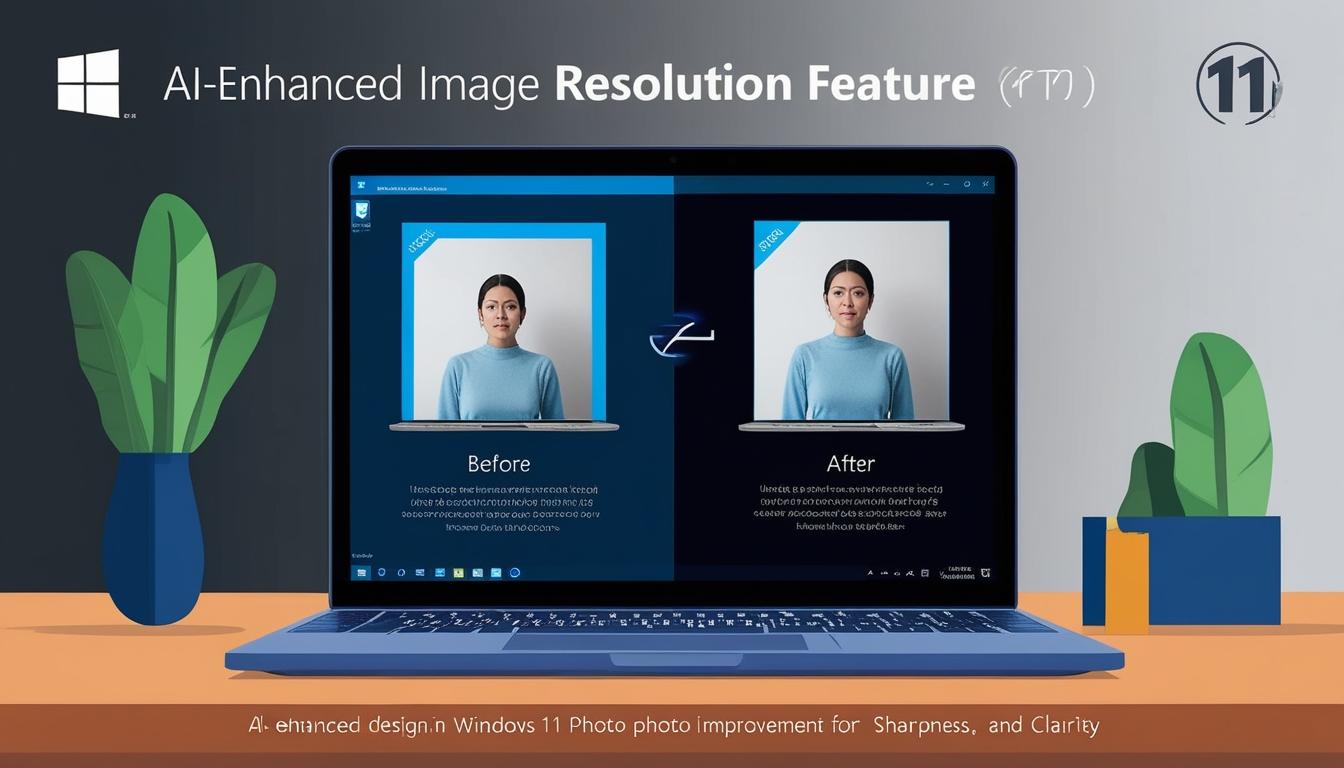
Microsoft has introduced a new feature for enhancing low-quality images in its Microsoft Photos app, part of the Windows 11 Insider Preview. Announced on Tuesday, this super resolution tool utilises artificial intelligence to significantly improve and expand the size of photos, enabling users to increase images up to eight times their original size. This development is particularly beneficial for printing images or viewing them on large displays.
However, the super resolution feature comes with specific hardware requirements. It is currently only accessible for devices powered by a Snapdragon processor with a Neural Processing Unit (NPU), referred to as Copilot+ PCs. Initially, a technical glitch allowed the feature to be accessed on non-Copilot+ PCs as well, but Microsoft has since rectified this issue and restricted access to supported devices only.
In tests conducted during the short period when the feature was available on all Windows 11 devices, results were mixed. Users reported that the super resolution feature did not deliver noticeable improvements in clarity for blurry or grainy photos. Despite the potential of the AI technology, both tests on non-Copilot+ PCs and on appropriate hardware showed limited enhancement of images. It was speculated that the tool might be more effective on photos that already possess relatively high resolution.
The super resolution function is not the only new addition to the Microsoft Photos app. Microsoft has also introduced Optical Character Recognition (OCR) technology within the app, allowing users to detect and extract text from images, such as photos and screenshots. Unlike super resolution, OCR does not require a Copilot+ PC, making it accessible to a broader range of users, supporting text detection in over 160 languages.
For Windows users wishing to explore these new tools, both capabilities are available to members of the Windows Insider Program. Users need the latest updates of both the Windows 11 Insider Preview and Microsoft Photos, obtainable via the Microsoft Store. The feature release further exemplifies Microsoft's continued commitment to integrating advanced AI technologies into their software suite, enhancing user experiences by providing sophisticated tools for everyday tasks.
Drivers and system updates remain crucial for maintaining hardware performance and compatibility. Microsoft advises users to utilise Windows Updates for the latest driver releases to ensure hardware operates at optimal levels, especially for gamers requiring the most recent graphics drivers for performance enhancements in new game releases.
While these updates and tools provide expanded functionality and maintain hardware efficiency, they also highlight the importance of having compatible systems to take full advantage of new technological developments. Microsoft continues to refine its services and address any functional glitches to streamline user experiences across its platforms.
Source: Noah Wire Services