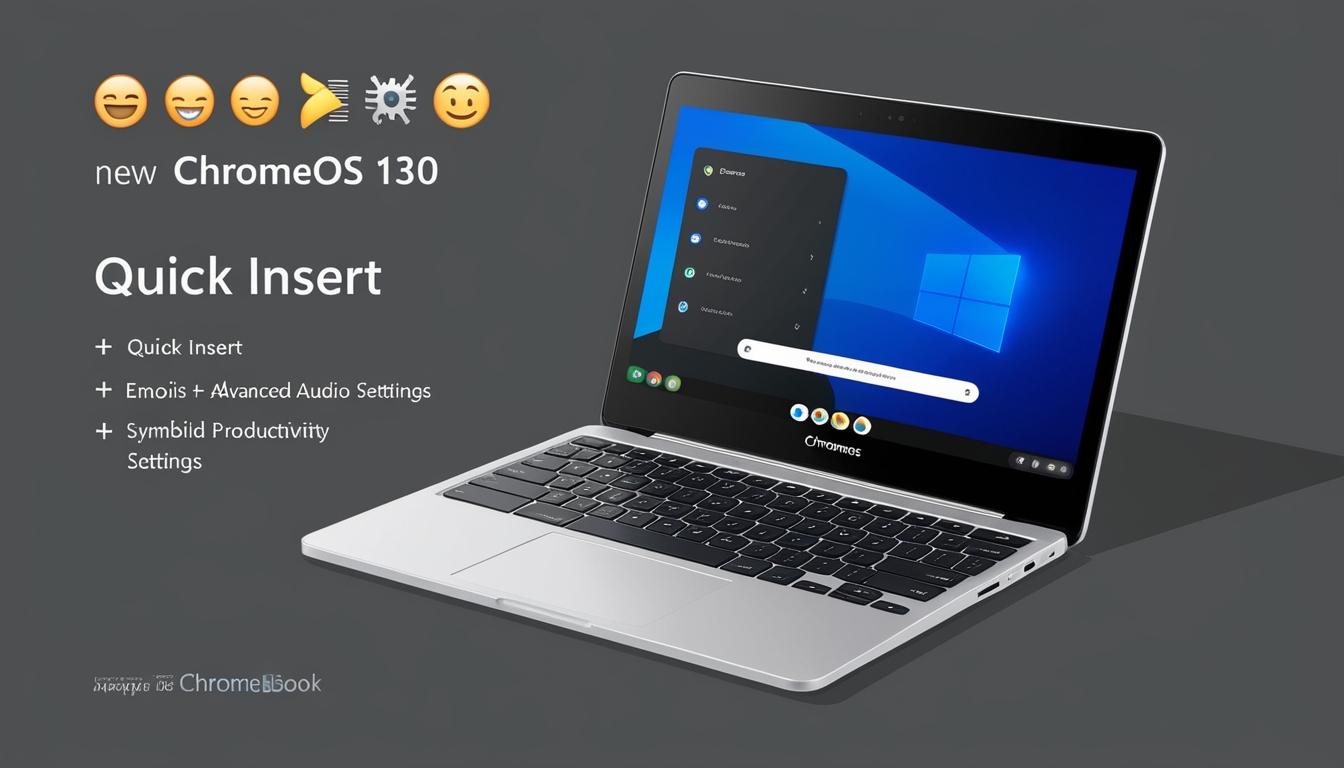
Google has commenced the roll-out of its highly anticipated ChromeOS 130 update, targeting a wide range of Chromebook and Chromebook Plus devices. This extensive update introduces several new features, with enhancements particularly focused on the Plus variant. Users across different devices are set to benefit from improvements in productivity, audio capabilities, and privacy controls.
The update, which is reaching more devices via the stable channel, is accompanied by a detailed changelog released through the Chromebook Community. One of the standout features for Chromebook Plus users is the introduction of "Quick Insert." This functionality, accessible via the "Launcher+F key" shortcut, allows users to effortlessly insert emojis, symbols, GIFs, and other elements. However, this feature is slated to expand further across more devices starting in 2025.
In addition, Chromebook Plus users now have access to an AI-backed Recorder app, bringing the ChromeOS experience closer to that found on a Pixel phone. The app boasts capabilities such as speech-to-text generation, summarisation, and title suggestions, all facilitated through a real-time dual-column transcription view. Initially detailed by Google earlier in October, this app promises to enhance productivity for users who rely heavily on recording.
Audio enhancement is another significant facet of this update. Under the "Studio-style Mic" banner, Google has introduced features to optimise the built-in microphone's performance. Users can enjoy advanced balancing, finer detail reconstruction, and adaptive room settings. These features are accessible through the Settings menu under Device > Audio.
Video settings for Chromebook Plus devices have also been improved, with several new appearance effects designed to enhance camera quality. Additionally, a "Help me read" feature utilises Google's AI to offer users a summarised view of their text along with a "freeform Q&A" section, providing deeper engagement with content.
For all Chromebook users, the ChromeOS 130 update incorporates a "Focus" mode. This feature, which can be activated through Quick Settings, helps users minimise distractions by setting tasks and employing tools like YouTube Music playlists for those with Premium accounts. Another intriguing addition is the "Welcome Recap" that assists users in easily resuming their work post-break, available through Settings > System Preferences > Startup.
Google has further enhanced the Drive experience, ensuring that files remain accessible via the Shelf, whether the user is online or offline. A new "Suggestions" section in Tote highlights files that demand attention, enhancing organisational efficiency for users.
The update also delivers multi-calendar support and updated privacy controls, integrating OS-level features that improve security within the Chrome browser. Other improvements include better keyboard and display brightness controls and a new picture-in-picture mode for windows.
The roll-out, initiated this week, is expected to continue progressively, reaching more devices "over the coming days." This update was initially hinted at earlier in October, coinciding with the launch of new Chromebooks by Samsung and Lenovo. Samsung's release included a Plus model with a 15.6-inch display, while Lenovo's offering was an 11" display device, both designed to leverage the new features introduced with ChromeOS 130.
Source: Noah Wire Services